Many ecommerce businesses in India still run on Shopify’s default checkout. It works, so nobody questions it. But every order that goes through it can carry a transaction fee from Shopify, on top of what your payment gateway already charges. Most owners only see the damage when they add up a full year of invoices.
In this post I will show you how the Shopify transaction fee works in India, what it really costs on real numbers, and what you can do about it with Razorpay Magic Checkout or Cashfree One Click Checkout. I will also explain how these checkouts help reduce RTO, and what to double-check before you switch.
Disclosure: the Razorpay and Cashfree signup links in this post are my referral links. I may earn a commission if you sign up, at no extra cost to you. My explanations are my own and are based on my own testing.
How the Shopify transaction fee works in India
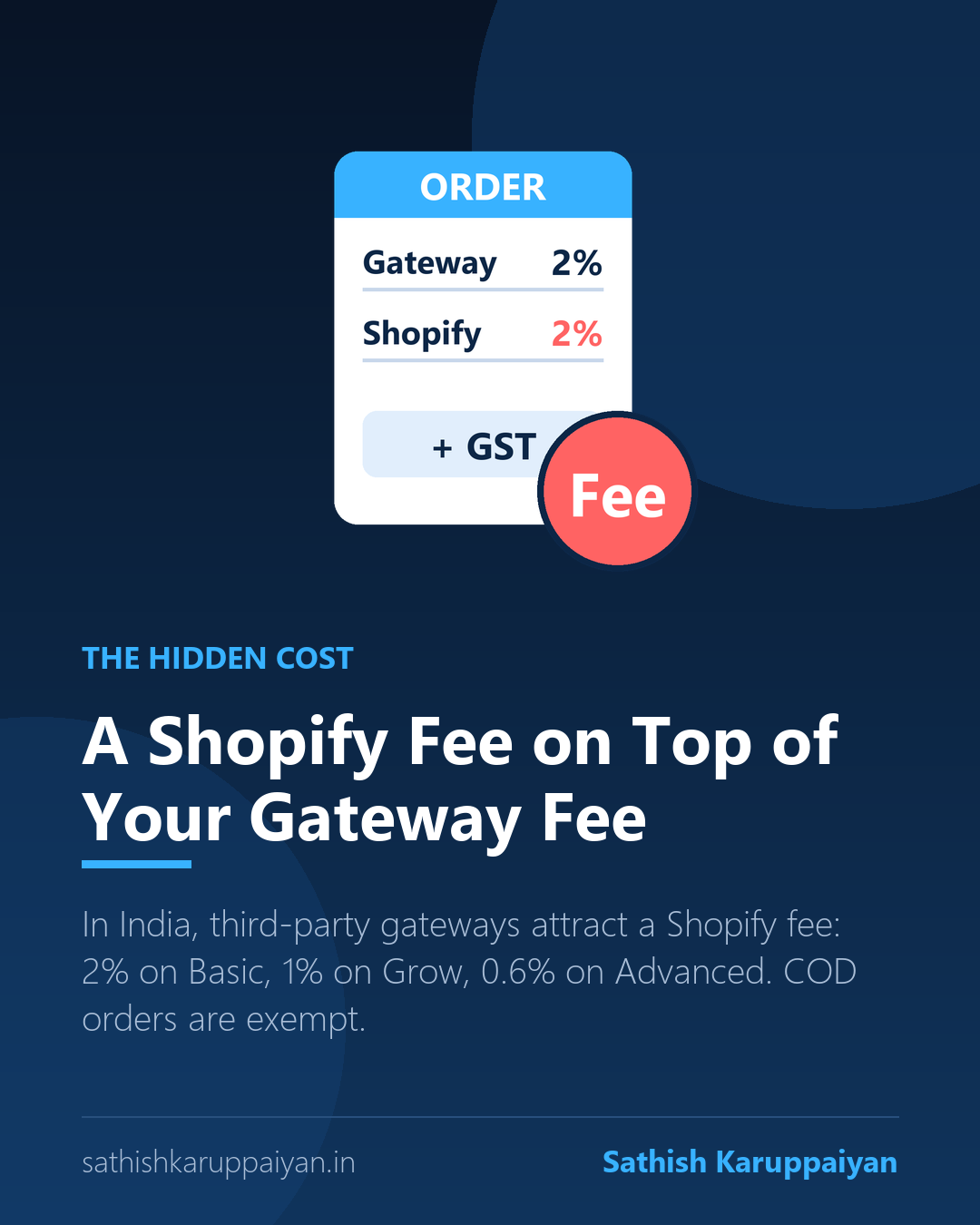
Shopify Payments is not available in India, so Indian stores connect a third-party gateway such as Razorpay, Cashfree or PayU. When customers pay through one of these gateways at Shopify’s checkout, Shopify adds its own third-party transaction fee. The rates commonly quoted are 2% on the Basic plan, 1% on the Grow plan and 0.6% on the Advanced plan.
This fee is separate from your gateway’s charge, which is usually around 2% plus GST. So one order can be hit twice. Cash on delivery and other manual payment methods are exempt from this particular Shopify fee, but COD brings its own problem: higher RTO. Plans and rates change, so always check Shopify’s pricing page and your latest invoice for the exact numbers on your plan.
The maths: what ₹20 lakh in sales really costs
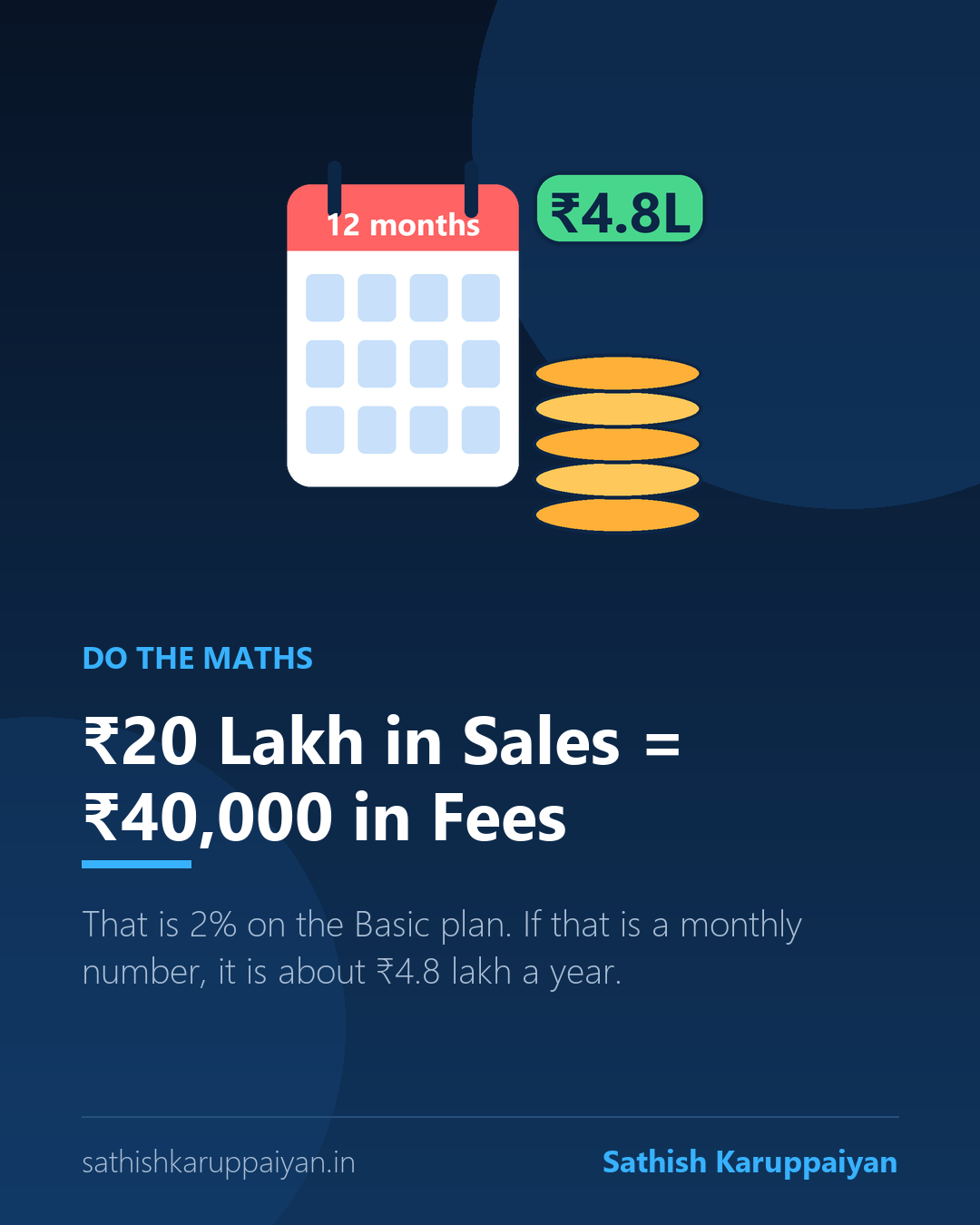
Take a store that does 1,000+ orders and ₹20 lakh in sales. On the Basic plan at 2%, the Shopify transaction fee alone is ₹40,000. If that is your monthly number, it comes to about ₹4.8 lakh a year, just for Shopify’s fee.
Now add the gateway. If your gateway also charges around 2%, that is another ₹40,000 before GST. Together you are giving away roughly 4% of every prepaid sale before you pay for ads, stock or shipping. On thin ecommerce margins, that can be the difference between a good month and a bad one.
Option 1: Razorpay Magic Checkout
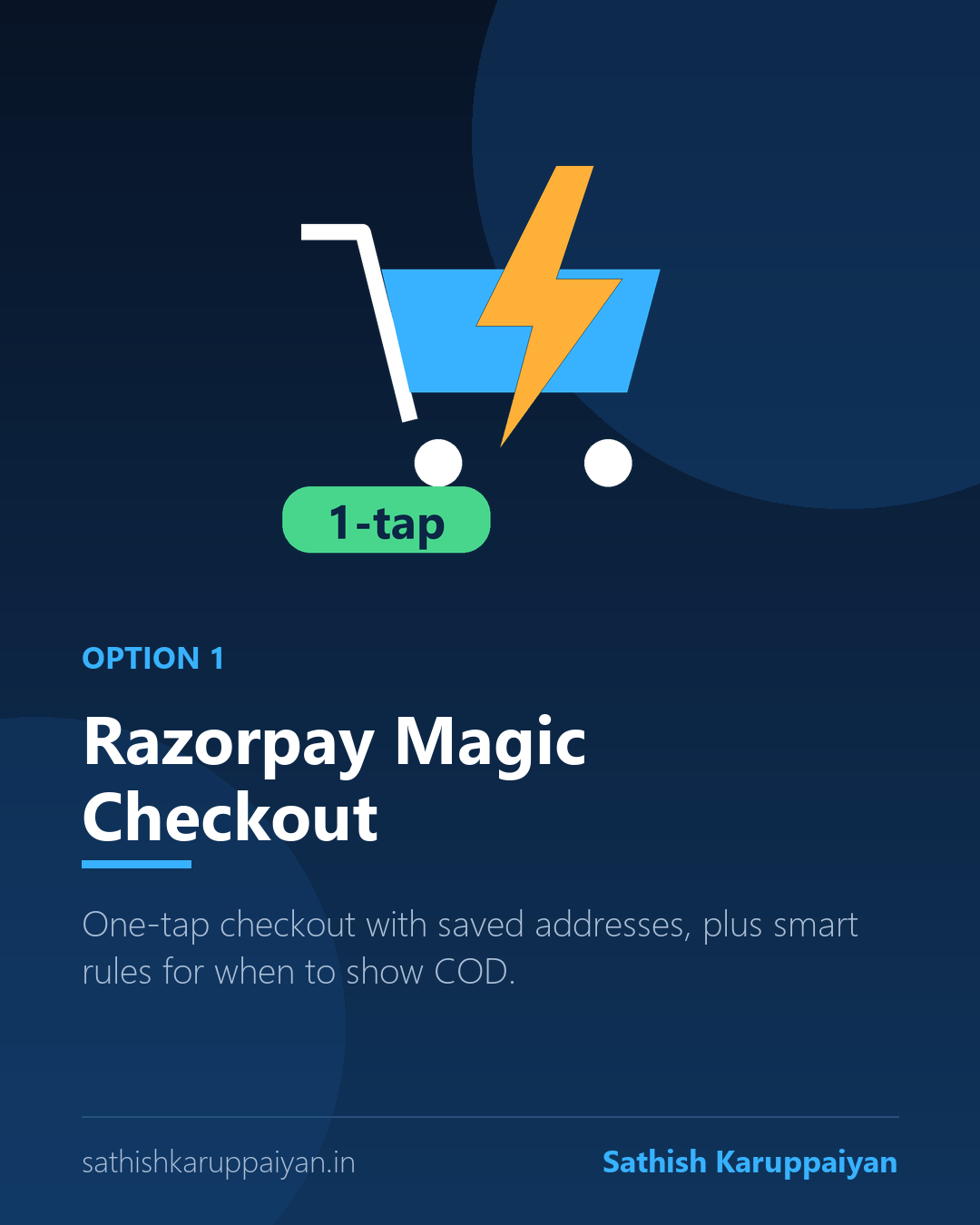
Razorpay Magic Checkout replaces the default checkout flow with a faster one. Returning customers get their saved address and payment details filled in automatically after an OTP, so they can complete the order in a few taps. Less typing means fewer people abandoning the cart.
It also gives you rules for cash on delivery. You can show or hide COD based on things like order value, product, pincode or the customer’s buying history, and you can even add a COD fee for risky orders. The Shopify app is free to install, though additional charges may apply, and some features may need to be activated on your Razorpay account.
Want to try it? Sign up with Razorpay (referral link).
Option 2: Cashfree One Click Checkout
Cashfree One Click Checkout works in a similar way. Customers log in with an OTP, their saved addresses are pre-filled, and they pay with UPI, cards or COD. It also supports abandoned cart recovery.
Its strongest part is RTO intelligence. Cashfree uses signals such as the phone number, address, cart items and your own order history to judge how risky a COD order is, and it can switch COD off for high-risk customers. You can also block pincodes, phone numbers or products by hand. For Shopify, Cashfree asks you to contact their team for setup, so plan a little time for onboarding.
Want to try it? Sign up with Cashfree (referral link).
Can these checkouts cut the Shopify fee?
Yes, and this is the main reason I use them. Shopify does not offer its own payment gateway in India, so when you use Shopify’s checkout with a third-party gateway, Shopify charges its transaction fee on top of the gateway fee.
With a third-party checkout like Razorpay Magic Checkout or Cashfree One Click Checkout, the payment is taken through their checkout instead of Shopify’s. In my own testing of both, the Shopify fee did not apply to those orders. One caution: Shopify can change its rules, and how it treats these orders can depend on your plan and setup. Ask your provider how orders are recorded in Shopify, then compare your next invoice with the last one.
How they help reduce RTO
The fee is only half the story. RTO is the other half, and quick checkouts are built to attack it. Three things do most of the work:
- Verified customers and addresses. OTP login and saved addresses mean fewer fake numbers and wrong addresses.
- Smart COD rules. Risky pincodes, high-value COD orders and past returners can be shown prepaid options only.
- More prepaid orders. A faster checkout and small prepaid incentives push more buyers to pay online, and prepaid orders rarely come back.
Both providers publish impressive RTO reduction numbers in their case studies. Treat those as marketing, not a promise. Your result depends on your products, pincodes and customers, so track your own RTO for a month before and after. If you want a refresher on why RTO is normal but still worth managing, read my post on the 5 ecommerce mistakes that kill your sales.
Quick checklist before you switch
- Check your plan and last invoice, and work out your real Shopify fee: monthly sales multiplied by your rate.
- Ask each provider, in writing, how orders are recorded in Shopify and how the fee is treated.
- Compare pricing, COD rules and RTO tools, not just the headline checkout.
- Test with limited traffic for two weeks before moving everything.
- Compare fee, conversion rate and RTO before and after.
Final thought
A default checkout is easy, but easy can be expensive. At ₹20 lakh in sales, a 2% fee is ₹40,000, and a high RTO rate can quietly cost you even more. A smarter checkout can improve conversion and RTO, and in my experience it also removes the Shopify transaction fee on those orders. Just verify how it works for your plan before you switch.
If you run a Shopify store and want help working out your real numbers or setting up Razorpay Magic Checkout or Cashfree One Click Checkout, send me a message. I will look at your store and tell you honestly what makes sense.
1 comment